The short answer
An Expo app can be opened by three kinds of links, and each needs something different:
| Link | Example | What you need |
|---|
| Custom scheme | myapp://product/123 | One line in app.json. Expo Router routes it for you. |
| Universal Link / App Link | https://links.example.com/product/123 | Your domain in app.json, plus two files hosted on that domain. Needs a development or EAS build. |
| Deferred deep link | A link tapped before the app is installed | A deep linking service with an SDK. The OS can't do this one. |
The first two get the app open. The third is what makes links work for new users: someone taps a link, installs your app, opens it, and lands on the thing they tapped instead of your home screen. That's what most "share this" links, invites and campaign links need.
The rest of this guide sets up each in order, then covers testing and the problems people hit most.
1. Custom scheme links
Add a scheme to your app config:
{
  "expo": {
    "scheme": "myapp"
  }
}
That's it. Expo Router treats the path of an incoming URL as a route, so myapp://product/123 opens app/product/[id].tsx with id set to 123. Try it on a simulator after a rebuild:
npx uri-scheme open "myapp://product/123" --ios
Scheme links are fine for links your own app or website generates, but don't use them in emails, ads or social posts. If the app isn't installed, the link does nothing, and many apps (email clients in particular) won't open custom schemes at all.
2. Universal Links (iOS) and App Links (Android)
These are ordinary https links that the operating system hands to your app instead of the browser, when the app is installed. Without the app, the same link opens the web page.
In your app, claim the domain in app.json:
{
  "expo": {
    "ios": {
      "associatedDomains": ["applinks:links.example.com"]
    },
    "android": {
      "intentFilters": [
        {
          "action": "VIEW",
          "autoVerify": true,
          "data": [{ "scheme": "https", "host": "links.example.com" }],
          "category": ["BROWSABLE", "DEFAULT"]
        }
      ]
    }
  }
}
On the domain, the phone checks two files before it trusts your app with those links:
https://links.example.com/.well-known/apple-app-site-association, listing your Apple Team ID and bundle IDhttps://links.example.com/.well-known/assetlinks.json, listing your Android package name and signing certificate's SHA-256 fingerprint
Both must be served over HTTPS with no redirects. iOS is unforgiving and fails silently: one wrong character and links quietly open Safari instead. Our free AASA Validator checks the Apple file, and Why Your Universal Link Opened Safari walks through the usual causes.
Two Expo-specific notes:
- Expo Go can't do this. It can't claim your domain, so Universal Links and App Links only work in a development build or an EAS build.
- Rebuild after changing these settings. They're native config, so
npx expo prebuild (if you keep native folders) or a new build is required.
3. Deferred deep links
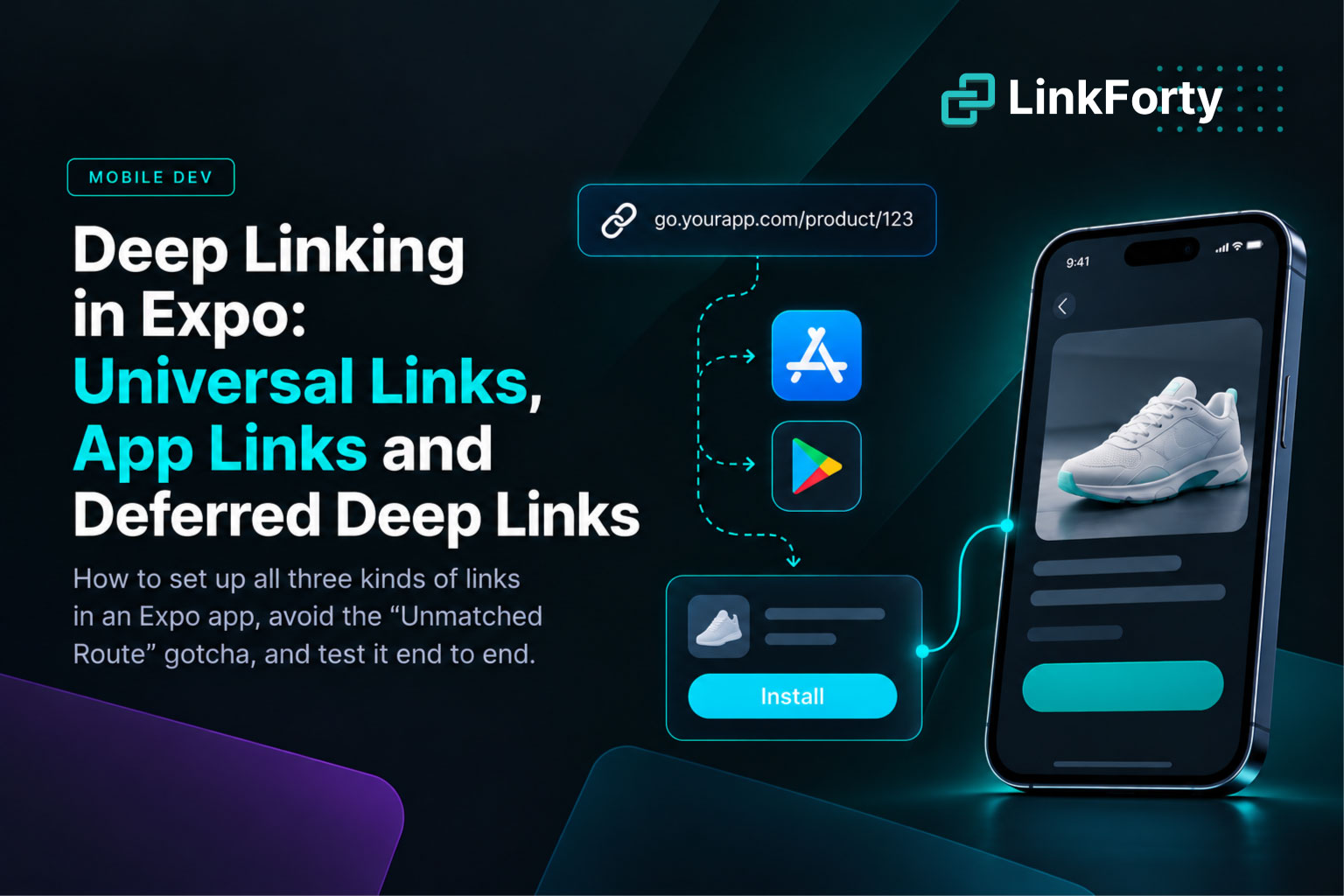
Universal Links only help people who already have your app. For everyone else, the link sends them to the App Store or Google Play, and the install breaks the chain: when the app opens for the first time, nothing tells it which link brought this person, so they land on your home screen.
Deferred deep linking restores that chain. A service records the click, then on first launch its SDK reports the new install, the service finds the click it came from, and your app receives that link's data. Nothing in Expo or the OS does this, so you need a service.
Here's the whole setup with LinkForty. The Expo SDK is JavaScript on top of standard Expo modules: no config plugin and nothing to eject.
Install
npx expo install @linkforty/mobile-sdk-expo expo-device expo-application expo-localization expo-linking @react-native-async-storage/async-storage
Claim your link host
Every LinkForty workspace gets a link host like acme.toapp.me, or you can add your own subdomain. Put it in app.json exactly as in step 2. You don't host the two files yourself: LinkForty serves them on your link host, from the Team ID, bundle ID, package name and signing fingerprint you enter under Workspace Settings → App Configuration.
Initialize and route in your root layout
// app/_layout.tsx
import { Stack, router, type Href } from 'expo-router';
import { useEffect } from 'react';
import LinkForty, { type DeepLinkData } from '@linkforty/mobile-sdk-expo';

function openLink(data: DeepLinkData | null) {
  // deepLinkPath is the path set on the link, e.g. /product/123
  if (data?.deepLinkPath) router.push(data.deepLinkPath as Href);
}

export default function RootLayout() {
  useEffect(() => {
    if (LinkForty.isInitialized) return; // fast refresh re-runs effects
    LinkForty.initialize({
      baseUrl: 'https://api.linkforty.com',
      appToken: process.env.EXPO_PUBLIC_LINKFORTY_APP_TOKEN!,
      debug: __DEV__,
    })
      .then(() => {
        // New installs: called once, on the first launch, with the link's data (or null if organic).
        LinkForty.onDeferredDeepLink(openLink);
        // App already installed: called each time a link opens it.
        LinkForty.onDeepLink((_url, data) => openLink(data));
      })
      .catch((error) => console.warn('LinkForty setup failed', error));
  }, []);

  return <Stack />;
}
Note the default import: import LinkForty from '@linkforty/mobile-sdk-expo'. The app token (at_…, under Workspace Settings) is safe to ship in your bundle; it limits install matching to your own workspace's links.
Give each link a deep-link path when you create it, such as /product/123, and that path arrives as deepLinkPath. Because it's an Expo Router path, routing is one router.push. Any custom parameters on the link arrive in data.customParameters.
Stop short links from hitting "Unmatched Route"
This one catches most Expo Router apps. When a Universal Link opens your app, Expo Router tries to route the URL's path itself. A short link like https://acme.toapp.me/abc123 becomes the route /abc123, which doesn't exist, so the user sees "Unmatched Route" before your handler gets a chance to navigate.
Expo Router's fix is a +native-intent file, which lets you rewrite an incoming URL before routing. Recognize your link host and hand those links to the SDK:
// app/+native-intent.tsx
const LINK_HOSTS = ['acme.toapp.me']; // your LinkForty host(s), as in app.json

export function redirectSystemPath({ path, initial }: { path: string; initial: boolean }) {
  try {
    const { hostname } = new URL(path);
    if (LINK_HOSTS.includes(hostname)) {
      // The SDK receives this link too and navigates once it's resolved.
      // On launch, start at the home screen; while running, stay where the user is.
      return initial ? '/' : null;
    }
  } catch {
    // Not an absolute URL (a scheme link or plain path): let Expo Router handle it.
  }
  return path;
}
Keep it free of anything that can throw: Expo Router calls it outside your app's components, before anything else runs.
Testing the whole flow
Use a development build on a real device for the link tests; simulators are fine for scheme links.
- App installed: paste a LinkForty link into Notes or Messages and tap it. The app should open straight to the right screen, with no browser in between.
- Not installed: delete the app, tap the link, then install your development build and open it. With
debug: true you'll see the SDK report the install, and onDeferredDeepLink route you to the link's screen. The install shows under Installs in the dashboard, credited to the link.
- Check the integration: SDK Doctor in the dashboard confirms the SDK is reporting installs and events.
For step 2, tap the link and open the app on the same network: outside Google Play installs on Android, the match uses device signals such as the network, not a device ID. More on how matching works in deferred deep linking.
Common problems
The link opens the browser instead of the app. The domain isn't verified. Check associatedDomains and the intent filter match your host exactly, that App Configuration has the right IDs, and that you rebuilt after changing app.json. On iOS, also try a fresh install: iOS fetches the association file when the app is installed.
It works in a development build but not in Expo Go. Expected. Expo Go can't claim your domain.
"Unmatched Route" after tapping a short link. Add the +native-intent file above.
Links from Instagram, Facebook or Gmail open a web page. Those apps' built-in browsers skip Universal Links. LinkForty sends people there to your web fallback, which gets a second chance to open the app.
ALREADY_INITIALIZED during development. Fast refresh ran your effect again. The isInitialized check in the example prevents it.
After the link: what people do next
Once the app knows which link brought someone, the SDK credits what they do afterwards to that link: sign-ups, purchases, any event you track.
await LinkForty.trackEvent('signup');
await LinkForty.trackRevenue(29.99, 'USD');
Your dashboard then shows which links bring people who actually do something, not just which ones get tapped.
Common questions
Do I need a config plugin or to eject?
No. The SDK adds no native code of its own; it uses standard Expo modules (expo-device, expo-application, expo-localization, expo-linking), which the install command adds at your app's Expo SDK versions. The only native config is the associatedDomains and intentFilters entries in app.json, which Expo applies when it builds.
Which Expo versions are supported?
Expo SDK 51 and later, with React Native 0.74 or later; the SDK is tested through Expo SDK 58. The Expo modules and AsyncStorage are peer dependencies, so your app's own versions are the ones used. Install with the full command above: npx expo install picks the module versions that match your app's Expo SDK. AsyncStorage must be 1.23.1 or a later 2.x; version 3 isn't supported.
Does it need IDFA or the tracking permission prompt?
No. The SDK doesn't collect IDFA or GAID and never shows the App Tracking Transparency prompt.
Can my app create links too, for sharing or invites?
Yes. LinkForty.createLink() makes a short link from inside the app, which needs an API key in initialize. See the Expo SDK reference.
Is there a free plan?
Yes, with no card required, and deferred deep linking is on it. See pricing.
Moving from Firebase Dynamic Links?
See Firebase Dynamic Links Alternative for the options and the migration order.
 LinkForty